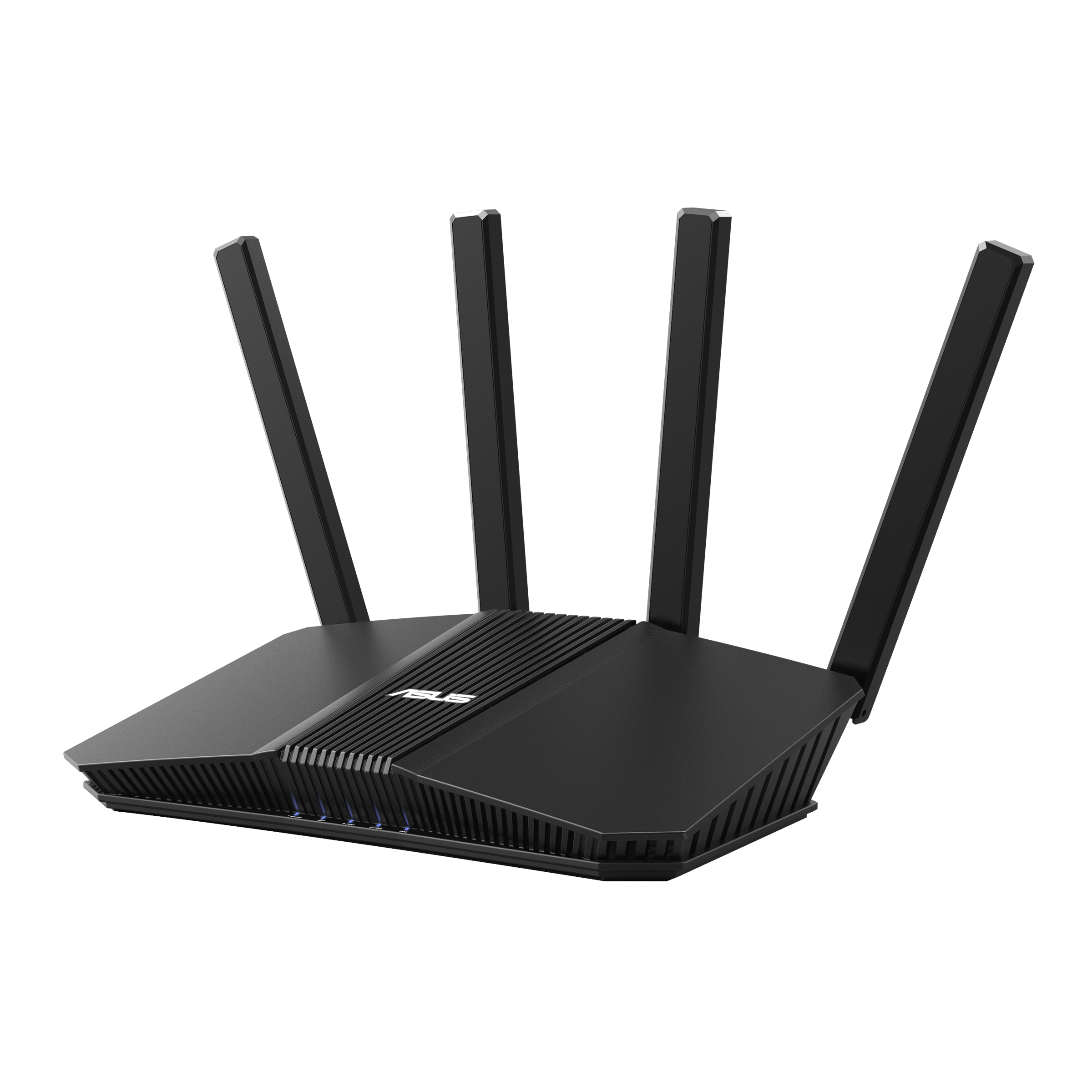
I got the BE58U on the 22nd at Microcenter for 99 and have been using it since then. It replaced an old TP-link router that I got used roughly 4-5 years ago. I put it in WPA3 only mode since all devices support it. There probably won't be any wifi 7 devices around here for a few years at least, so MLO has been left off therefore I can't speak on how well that works. The range is very good for me but that isn't much of a challenge considering it only has to serve a 750 sqft apartment and is located centrally. The signal is just as good across the wall in the bedroom as it is here in the living/dining rooms.
I don't use any of the added features that the router comes with except for trying out VPN Fusion. Configuring it was a little bit confusing but only because of DNS settings. I had to leave DNS in the LAN section set blank, and set a DNS in the WAN section as to not use the ISP DNS server for any devices not connected to the VPN. I'm not sure if it specifically needs to be this way, I figured it out by trial and error since the guide for Asus routers from my VPN provider is outdated and is clearly based on an older Asus interface. I wasn't sure if I was going to use this feature, but so far with a Wireshark profile it is nearly as fast as it is without the VPN (300 Mbps internet), and for the few days its been running its been very stable with no noticable huccups. There has been no DNS leakage as far as ipleak.net is concerned (after I figured out I had to set non-VPN DNS in the WAN tab instead of LAN), but it would be nice if Asus put in a kill-switch option to block traffic not coming from the VPN.
Microcenter also had the BE82U on sale for 140 but I decided against it because from what I can tell, the BE58U and BE82U are the same aside from the extra 2.5G ports and the 4x4 wifi on the latter. Same CPU and memory, same features otherwise as far as I can tell. There will rarely be a time when more than 5 devices connect over wifi and there are only 2 wired devices connected that don't need 2.5G at all, so I figured the $40 is better saved. One last thing, IPv6 actually works on this router whereas it failed to get an address on the old TP-link. Enabling it doesn't mean anything to me, but it's nice that it works. The VPN seems to handle it well too and is able to connect via IPv6 with no DNS leaks, same as with IPv4.
I'm not sure why there are multiple places to set different DNS setting (WAN tab, WAN tab with DNSSEC, and LAN tab), that doesn't really make any sense to me why they aren't all in one spot but whatever. Aside from that and the lack of a VPN kill-switch this thing is nice and hopefully lasts 5+ years.
Edit: Had the thought to test the new router by trying to use the wifi from my parking spot about 100ft away from the front of the building. The router is about 15-20 ft from the door. The old router would usually connect from where I park but not be usable. The new router seems usable from that distance and speed tested at 96Mbps. That's with the VPN running on the router side.



 www.asus.com


 . The Xiaomi BE3600 (with Qualcomm IPQ5312, Quad core A53 at 1.1GHz) only costs 31.6 USD (after tax) as of today. So the TUF-BE3600 is actually a lot more expensive than its competitors.


