Welcome,
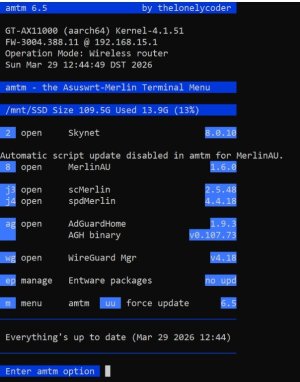
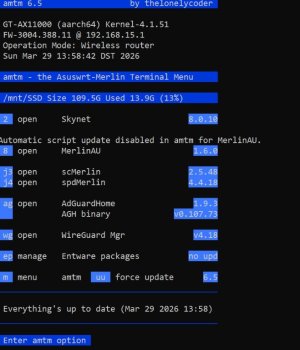
this is amtm 6.5, the
Asuswrt-Merlin Terminal Menu
amtm is a front end that manages popular scripts for wireless routers running
Asuswrt-Merlin firmware.
Starting with Asuswrt-Merlin firmware 384.15, amtm is included in the firmware.
What's new in amtm
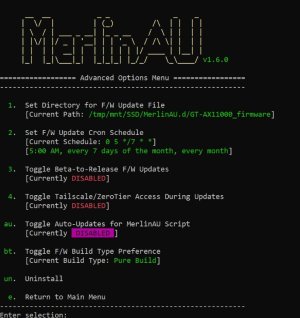
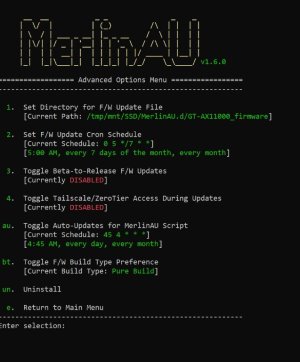
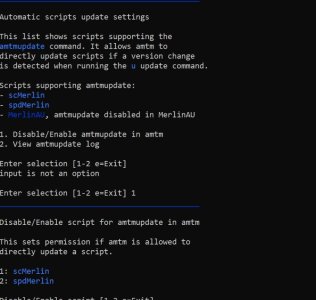
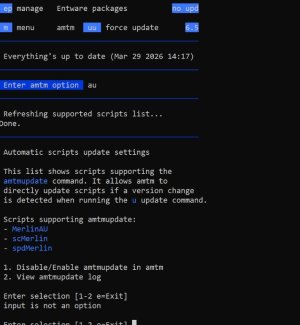
- Rewrote logic and wording in au Automatic scripts update feature due to the confusing nature of how it interacts with third-party scripts. Opening au now also refreshes the supported scripts.
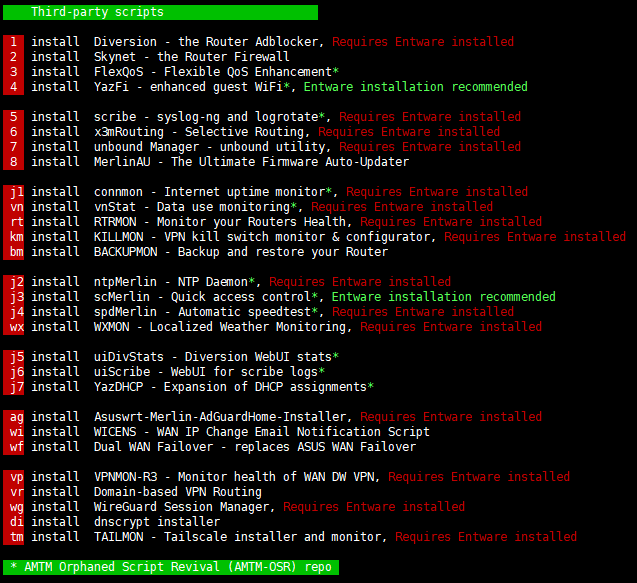
- Adds support for us Unbound Stats for Asuswrt-Merlin by juched78. Finally, this hidden Unbound addon has been made amtm compatible. Thanks to @Martinski for the extra effort!
- Again, this update is only available for the firmware built in version of amtm.
After updating amtm, run the
u update function. This will populate the settings file with compatible third-party scripts.
If an update is available, amtm will prompt to update it directly.
Compatible scripts can then be seen with
au, which also allows to disable this feature in amtm per script. Third-party scripts can also disable amtmupdate from their own scripts which will be shown in
au.
I coordinated and developed this feature with the
AMTM-OSR team. All of their scripts are already compatible. Many thanks to
@ExtremeFiretop and
@Martinski for the input, ideas and swift implementation.
My hope is that all amtm third-party scripts will add this amtmupdate feature. I will post a how to soon, with details for coders how to add it.
There are plans to completely automate amtmupdate with a cron job in a future amtm release.
How to update amtm
In the amtm menu, enter
u to update to this latest version.
The firmware built-in and the legacy amtm version receive updates at the same time.
The full version history can be found on
diversion.ch
amtm start command
On firmware older than 384.15, you may have to enter the full path to amtm.
Note that the command below does not work for the firmware built in amtm.
Install command for Asuswrt-Merlin firmware older than 384.15
Copy and paste the complete command below into your favorite SSH terminal, then press Enter.
Code:
curl -Os https://diversion.ch/amtm/amtm && sh amtm
Routers with Asuswrt-Merlin firmware 384.15 and newer require no installation, amtm is included in the firmware.
amtm is hosted on the Diversion website:
https://diversion.ch/amtm.html


 , thanks.
 .
.


 . Hence the update actually enlightened me that they had been on autopilot. Thank you!