Hi Team
Finally making that switch from Grandfathered Static IP contract to cheaper & faster dynamic IP broadband with Virgin Media
My setup is VM Router in Modem mode behind my Asus Router
They sent me a new VM Router which I plan to put into Modem mode again
Small point:
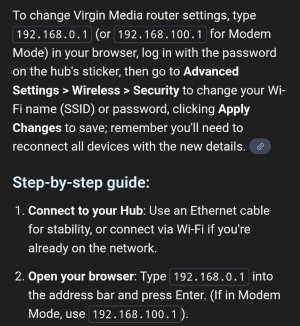
The Asus Router is 192.168.0.1
The old/current VM Modem 192.168.100.1
So no clash accessing the settings
The new VM Kit is also 192.168.0.1
So am I right in thinking what I need to do is
Connect PC directly to VM Router using the default IP address (disconnected from Asus)
Access settings to change to modem mode and at same time change its IP address to something else?
Would it be okay to use the same IP as old VM ie 192.168.100.1 or does it have to be in the 0.x range?
Then I can connect it all back up, be able to log into Asus & VM from the PC and then I just change the Asus WAN over to Dynamic leaving all my LAN settings and DHCP etc intact?
Finally making that switch from Grandfathered Static IP contract to cheaper & faster dynamic IP broadband with Virgin Media
My setup is VM Router in Modem mode behind my Asus Router
They sent me a new VM Router which I plan to put into Modem mode again
Small point:
The Asus Router is 192.168.0.1
The old/current VM Modem 192.168.100.1
So no clash accessing the settings
The new VM Kit is also 192.168.0.1
So am I right in thinking what I need to do is
Connect PC directly to VM Router using the default IP address (disconnected from Asus)
Access settings to change to modem mode and at same time change its IP address to something else?
Would it be okay to use the same IP as old VM ie 192.168.100.1 or does it have to be in the 0.x range?
Then I can connect it all back up, be able to log into Asus & VM from the PC and then I just change the Asus WAN over to Dynamic leaving all my LAN settings and DHCP etc intact?