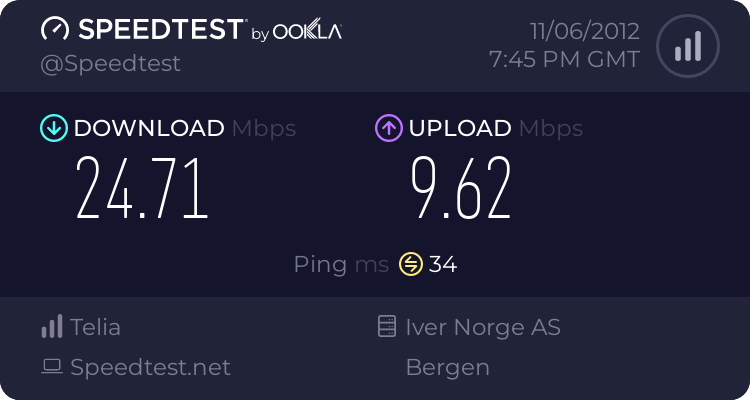
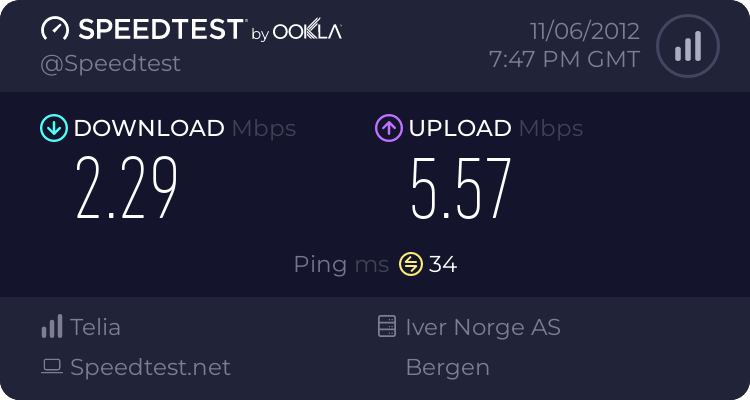
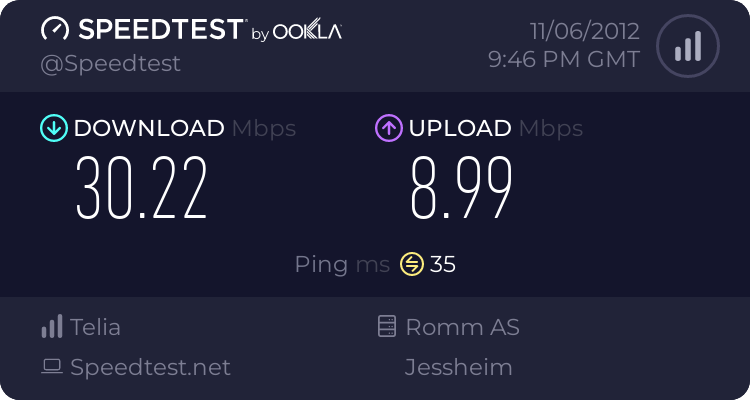
In my 2nd floor, I'm getting really low 2.4 Ghz speeds. It set up the best way I see fit, but I'm open for suggestions. The speeds are taken wit the same machine.
I've always been told to pick a channel manually.
I used inssider to check unused channels near me, it showed channel 11 unused and channel 1 already used by 2 different routers.
To experiment I set mine on auto channel and wouldn't you know it, the rt-n66u picked channel 1. Made no sense, so I manually selected channel 11. I also set the bandwidth to 20 to be kind to my neighbors as I'm not sure the router defaults to 20 if it detects others on the same channel.
The 5 ghz I set to 40 because it seems I am the only one on my street with any 5ghz clients.
I'm almost tempted to buy dual band cards for all the kids laptops..... Nah they are 22 and 18 let them pay for it. Lol
I agree. I tried 1 in desperation before the post. Looking at it now, it seems like number 8 or 10 would be better. Thanks. Ill report back if I find some pattern here.
Just me being a n00b. The Knight is placed directly behind my TV, and the couch is of corse directly in front of the tv. Moved it 15 cm to the right and this is the result:
Also changed the channel to 8, but measured it before, and it was the same as pic 1. Thanks!
The only viable channels are 1, 6, and 11. Changing to 8 means a 20 MHz signal will overlap with stations on 6 and 11, hardly an improvement.
I would start by dropping the bandwidth to 20 MHz, then checking performance on channels 1, 6, and 11. B/G protection may also be suspect, but to keep troubleshooting manageable, I would stick to only one tweak at a time.