Thanks very much to
@Martinski for his example function today... that helped me complete the functionality to delete perpetual backups older than a certain number of days! I really appreciate it!
 What's new!?
v0.91RC - (September 10, 2023)
- ADDED: Major new functionality to help
purge perpetual backups, with much thanks to
@Martinski for supplying a great function to help with this! Under the config menu, when selecting "perpetual" backup frequency, you will have the option to choose whether you want to enable backup purging for everything older than a certain number of days. Once configured, you can access the purge backups functionality under the operations area under the setup menu. This function will step you through multiple prompts before committing to delete any backups, and will show you which backups are affected. PLEASE NOTE: deleting backups is permanent, and advise caution on what you are deleting, and ensure that the list presented to you is what you want deleted. Also, PLEASE NOTE: if there are any backups that you want to save or store for later use, PLEASE move these to a SAFE and otherwise secure location outside of the backup folder structure that BACKUPMON utilizes, else there will be a chance these backups will get deleted. I will be keeping the purge backups utility manual for the time being, giving you more control over when and what gets deleted. I may automate this in the future depending on demand.
- RELEASE CANDIDATE: This completes all work for the release candidate. I will be taking another week to thoroughly test all functionality before releasing v1.0!
Download Link (or update within BACKUPMON's setup menu):
Code:
curl --retry 3 "https://raw.githubusercontent.com/ViktorJp/BACKUPMON/master/backupmon-0.91.sh" -o "/jffs/scripts/backupmon.sh" && chmod 755 "/jffs/scripts/backupmon.sh"
Significant Screenshots:
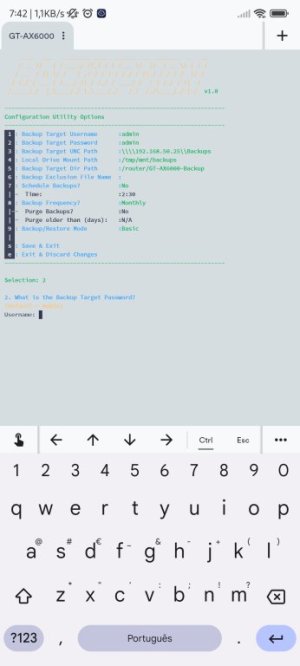
The config menu now allows you to configure the purging of backups... please note, this only works when "perpetual" backups are enabled.
New item under the operations area under the setup menu, allowing you to purge perpetual backups... only if perpetual backups are enabled.
When you enter "pg", you will be presented with the Purge utility... stepping you through, and showing you which folders are going to be deleted based on the age limit you have set.