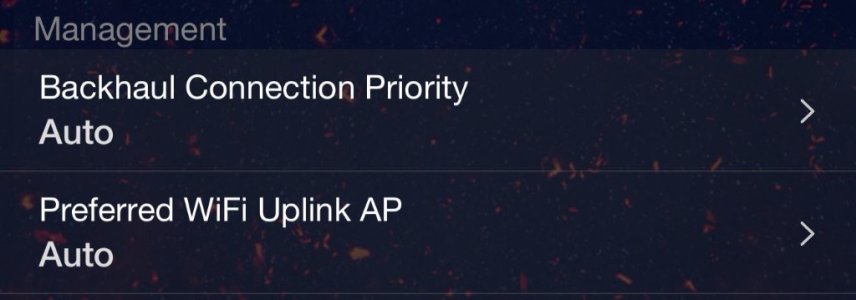
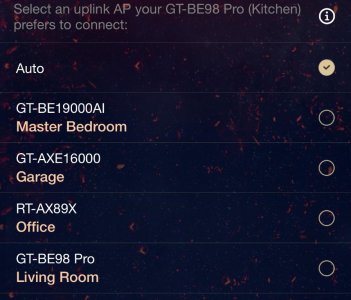
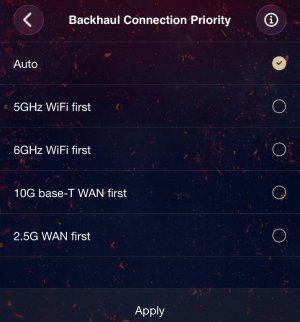
From my own experience with the exact same problem, this is likely caused by all of your routers/mesh nodes power levels being too high for your geographical distribution of them. As mentioned by others, you don't have much flexibility to change this when using AiMesh, as all the relevant parameters are opaque to you. You MIGHT find a power level setting that works (I'm pretty sure that what you set at the Router is also used by each AiMesh node)...and it is definitively NOT the best idea to run at the maximum (Performance) setting.
With the help of ChatGPT, and later Claude, I switched away from using AiMesh and now my remote access points are both running in wired AP mode. This not only affords me being able to adjust each ap's power levels independently, but also allows me to utilize different channels for each frequency band - in my case, this eliminates the congestion (AiMesh uses the same channels on each node), but also allows me to use the deeper/less utilized 5G channels for better load distribution with less impact from my "noisy neighbors" (and their poorly tuned Routers). And also tuning Roaming Assistant per band AND per router/access point really helped a lot.
So, you might want to spin up an AI (I would now most seriously recommend Claude over ChatGPT), and ask it for help tuning your asuswrt-merlin network. You'll need to spend some time describing things (including uploading a rough drawing of your router and AP locations, along with any particularly difficult clients), and then see what it recommends. For me, the difference is night and day - my clients now typically connect to the right AP and stay there, with only the mobile devices seamlessly roaming across APs and/or channels/frequencies.
OH - and if you do switch from AiMesh to AP mode, make sure that you use the same WPA/WPA2/WPA3 settings on every AP for each SSID. I found a TON more reliability/stickiness by adding back simple WPA to the 2.4G Guest & IoT SSIDs (I use WPA/WPA2-Personal on those).