
What's new
  • SNBForums Code of Conduct

    SNBForums is a community for everyone, no matter what their level of experience.

    Please be tolerant and patient of others, especially newcomers. We are all here to share and learn!

    The rules are simple: Be patient, be nice, be helpful or be gone!

Keep Connect "router rebooter"

Bill_Stewart

Regular Contributor
This device looks like it might be useful in some scenarios...
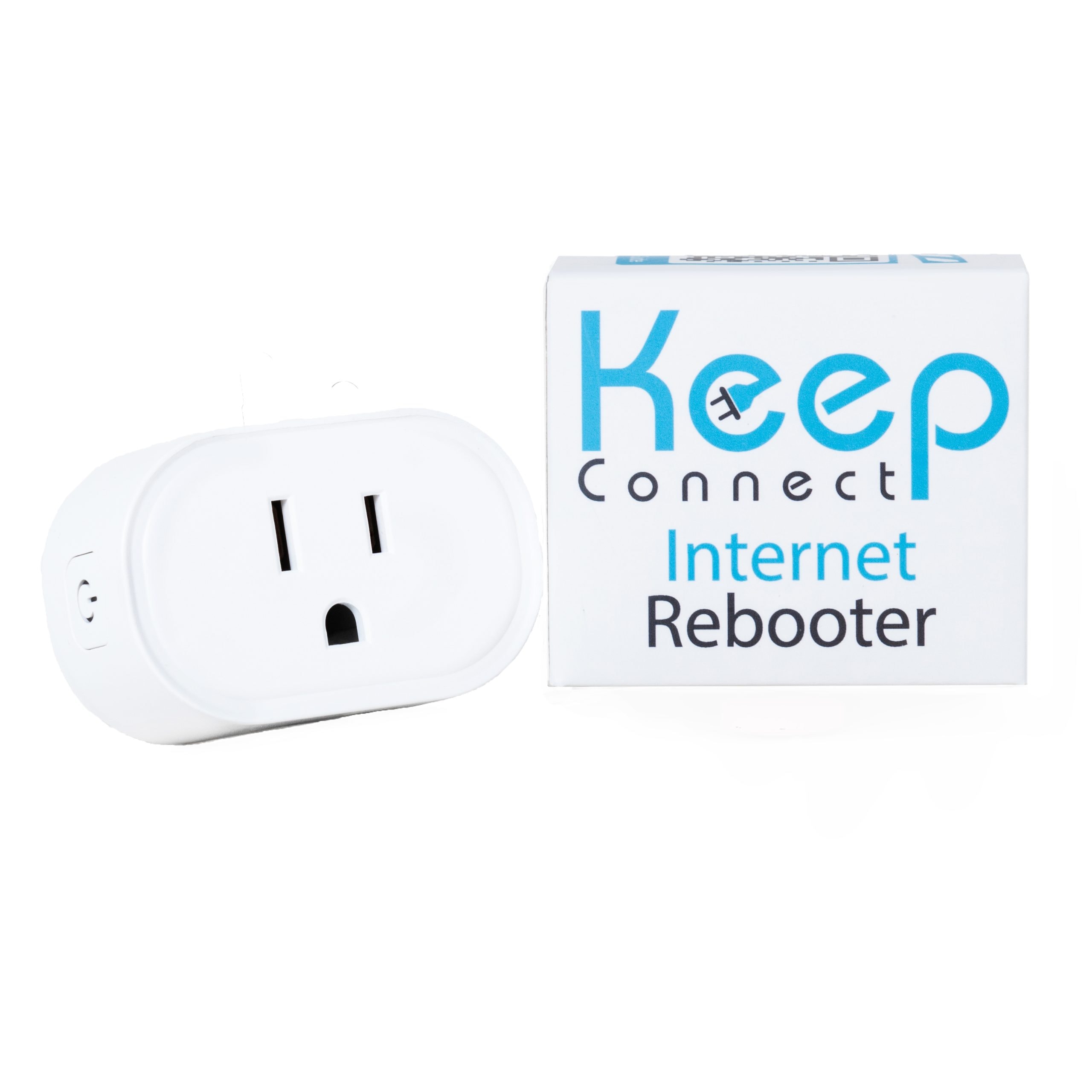

It looks like it attempts an https connection to configurable URLs, and if this fails, it can power-cycle its outlet.

I am considering this device to automatically restart my cable modem (ARRIS SB8200v3) if there's a connectivity failure.

Ddoes anyone have any experience with the Keep Connect rebooter?
 
The configurability of such device is the most important. It has to restart the ISP modem only on minutes long service disruption and not on temporary service quality deterioration. I have one from Ubiquiti (USP-Plug, discontinued), but not using it anymore because it restarted the modem few times based on service quality. The modem needs few minutes to reboot and this creates service disruption. Check the user manual and user feedback for the particular device and decide if it's expected to work well for your use case.
 
Thanks for the reply...

The company does provide documentation and I have reviewed that--my post describes how the device should work, in general.

Sounds like you haven't used this device, and that's fine, but I was asking if anyone has used it.
 
Amazon offers two different devices from this manufacturer. I would check user feedback there as well. Good luck!
 
Although it's called a "rebooter" it's more technically a power cycler. All well and good for a lot of user cases but rather risky if you have an ssd connected to the router.
A reboot includes the quiet stopping of various services, whereas this just cuts the power the turns it on again.
 
Yes, not a good idea to reboot a router/gateway with such device. The modem only.
 
Yes, not a good idea to reboot a router/gateway with such device. The modem only.
I think that's debatable, depending on the equipment and use case. If I were depending on these kinds of devices for remote management, I would be happy to accept the relatively low risk of power cycling to maintain connectivity (if power cycling was my only option).

But in any case, that discussion is a little out of scope of the original question, which was if anyone has hands-on experience with the Keep Connect device.
 
I have it set up, and it seems to have a fairly healthy number of configuration settings.

For now the web interface is only available over unsecured http (not https), which I think is an oversight the vendor needs to rectify. I am going to contact them about it.
 
Doesn't matter much for practical reasons. Someone has to hack your network first and there is nothing to steal from a power plug. Interested because my vacation house is located in an area with some floods happening recently and even though the property was unaffected there were some communication interruptions.
 
I think it's not good practice in general to use plain http if there are credentials in use. Agreed the risk is pretty low as long as the Keep Connect device credentials don't match anything else.
 
Just chiming-in as an MSN switch user (in two locations) and AFAICT the Keep Connect has good functionality for the price, so I was gonna say "GO FOR IT!". These MSN sws are $105 and have two outlets so I can separately control my Modem from my ASUS router:

1762619643150.png
 
My cable modem (an SB8200v3) has been stable since I installed the Keep Connect device. I still schedule my router to soft reboot weekly. No issues yet.
 
I'll get one too, but have to order it from Amazon in Europe with proper power plug. Scheduled reboots of networking equipment are band-aid solution to existing issues. If you have no issues - better keep your equipment going without reboots.
 
I'll get one too, but have to order it from Amazon in Europe with proper power plug. Scheduled reboots of networking equipment are band-aid solution to existing issues. If you have no issues - better keep your equipment going without reboots.
When I surfed on this it seemed the consensus was that regular reboots were good for clearing-away garbage (I'm simplifying of course). "For every expert there is an equal and opposite expert".

I don't do this myself but I do have a client or two (out of ~40) that go away and come-back to life with a router reboot, though they don't do it often enough for me to have scheduled such on-board.
 
I don't consider AsusWRT on my consumer-grade router to be high enough quality software to avoid at least one reboot a week to prevent odd "issues." A weekly scheduled reboot has been my practice for several years now and has worked very well. The outage is less than 5 minutes, is in the middle of the night, and has no effect on our usage. Just a bias on my part.
 

Latest threads

Support SNBForums w/ Amazon

If you'd like to support SNBForums, just use this link and buy anything on Amazon. Thanks!

Sign Up For SNBForums Daily Digest

Get an update of what's new every day delivered to your mailbox. Sign up here!

Members online

Back
Top