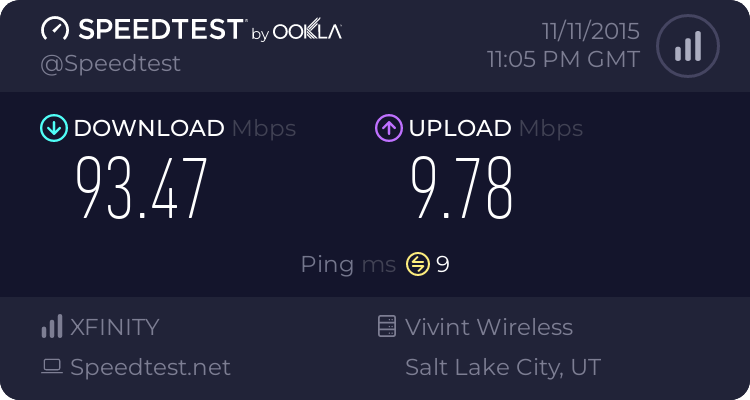
1) Replace both the Ethernet cable between modem and router and the one between router and computer -Done
2) Turn off your modem for at least 10 minutes, then turn it back on (this is important when moving a modem back and forth between a router and a PC - the ISP needs to fully "reset" the previous session) -Done
3) Make sure your ISP does not have any special requirements (such as MAC cloning, VLANs or MTU value). -Done
4) Try a different port on the router, in case the port itself is defective-Done
5) Make sure the computer's interface is left on auto-negotiate. Don't try to fix it to 100/1000 manually. It is the default settings for the network card which is a Killer e2200 Gigabit Ethernet Card (NDIS 6.30)
6) Try cloning the MAC, on the WAN configuration page. When I did this, I lost all network connectivity. I removed it and then i had connection again.