Spartan
Senior Member
I use Android phones and have always enabled Wi-Fi calling, I thought it just works and never paid any attention to it. This has been the case on all my past routers like the GT-AX6000, AX-86U, RT-BE92U, and now my GT-BE19000.
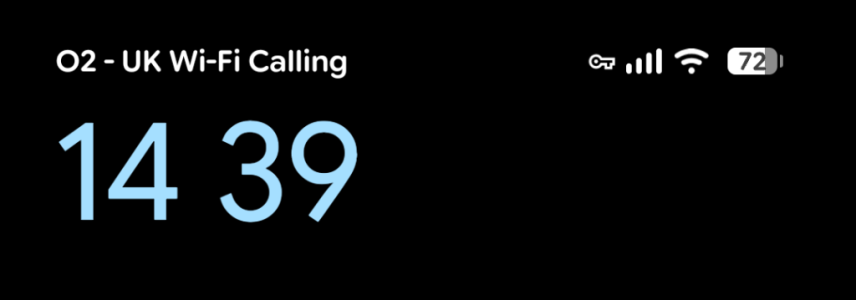
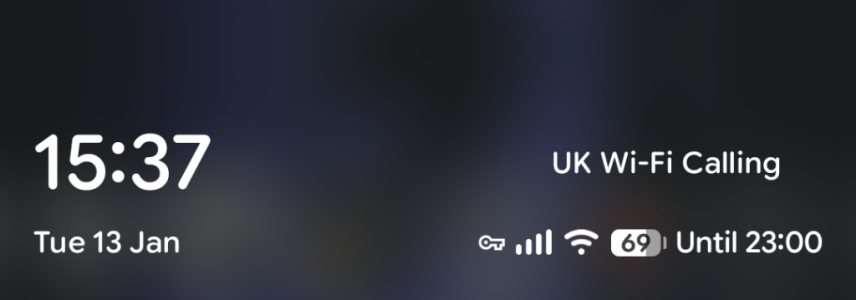
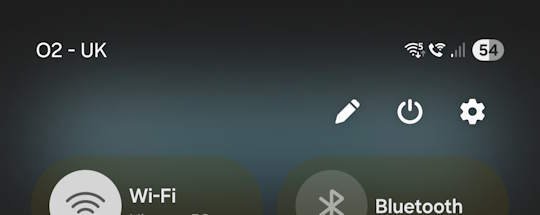
Recently, I was at a friend's house who has a cheap ISP-provided router. When I connected to their router, I saw the WiFi calling symbol on my phone's WiFi connection, indicating that it's working.
That made me wonder what's going on so I Googled this and Google suggested to disable SIP Passthrough so I did, then forgot the network on my phone and reconnected but it still doesn't show the Wi-Fi calling icon. Another post I saw on this forum is from one member suggesting the opposite, which is to enable SIP Passthrough but both ways it doesn't work.
Any other suggestions?
Recently, I was at a friend's house who has a cheap ISP-provided router. When I connected to their router, I saw the WiFi calling symbol on my phone's WiFi connection, indicating that it's working.
That made me wonder what's going on so I Googled this and Google suggested to disable SIP Passthrough so I did, then forgot the network on my phone and reconnected but it still doesn't show the Wi-Fi calling icon. Another post I saw on this forum is from one member suggesting the opposite, which is to enable SIP Passthrough but both ways it doesn't work.
Any other suggestions?