@tgl
Well, switching is based mostly on ASIC's offloading the packets vs sending them to be processed through the CPU on a router. That's where the speed comes into play.
ASIC's are why crypto farmers like ASIC miner machines because they handle the hashes quite a bit faster than the GPU method.
Backplanes just tie the ports together and should be 2X as much as the ports to handle full duplex
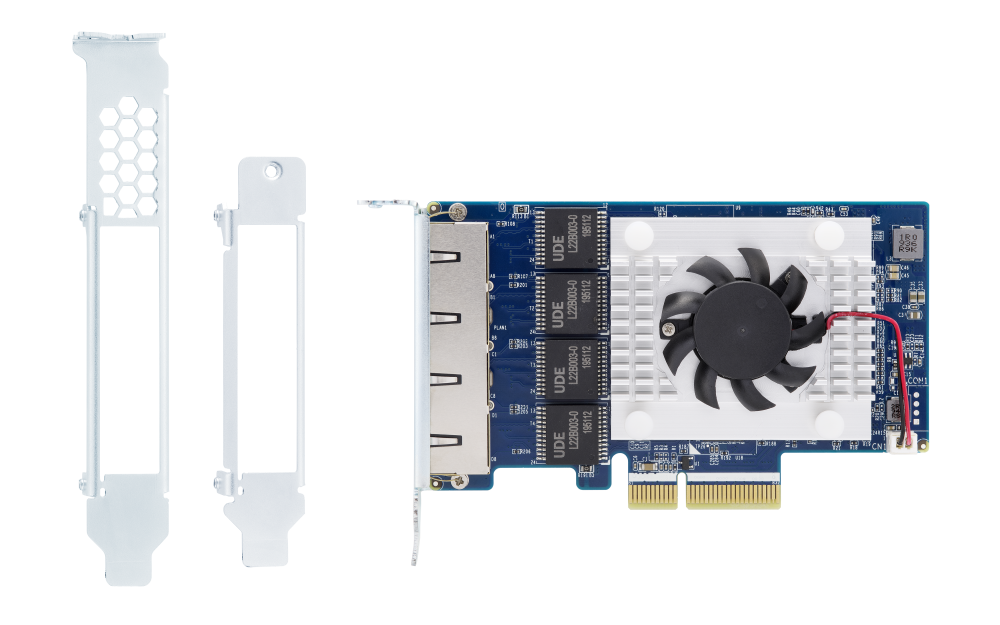
QNAP offers various cost-effective network expansion cards for businesses and home users to easily upgrade the bandwidth of their QNAP NAS, servers and computers to accommodate high-speed data transfer and bandwidth-hungry applications.

www.qnap.com
Slot configuration provides 32gbps which is more than the combined 20gbps of the aggregate ports.
The issue with this method is if you need port density as each slot only gives you 4 due to the side of the opening. For a small network it's enough as you can supplement the slower devices with quad-1GE cards that are only 1X slots.
The other issue with some applications is the heat generated by some ports that will need additional cooling.
I have the AP / 5G Gateway connected to it with the ports split between WAN / LAN and there's no issues with hitting speeds. I have 2 ports bonded to the GW and when needed connect the laptop with a USB-C 5GE dongle and can max out the storage speeds over the wire at over 400MB/s on spinners.
Once you setup the box there's minimal maintenance if you choose to do so. Costs vary though depending on your requirements from $200 for a SFF PC + NIC to your unlimited budget where you want everything and then some more. I rolled several devices into a single box which those devices add up to ~$1000 which compensated for the parts costs on the initial build.
Collapsing things into a single box removed a lot of the bottlenecks and restrictions presented by off the shelf options.