
Probably an issue with your configuration settings. In a quick and dirty test (WAN DNS fields set to CloudFlare) of a single no-ip.com free account I've had for ages I don't seem or appear to have a warning indicator (exclamation point) when I enable DDNS and input my no-ip info.Yes ... I use www.no-ip.com.
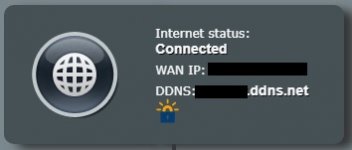
DDNS Router Setup Guide: Learn How to Configure DDNS
Learn how to configure DDNS in a router by clicking through to this helpful Knowledge Base article.
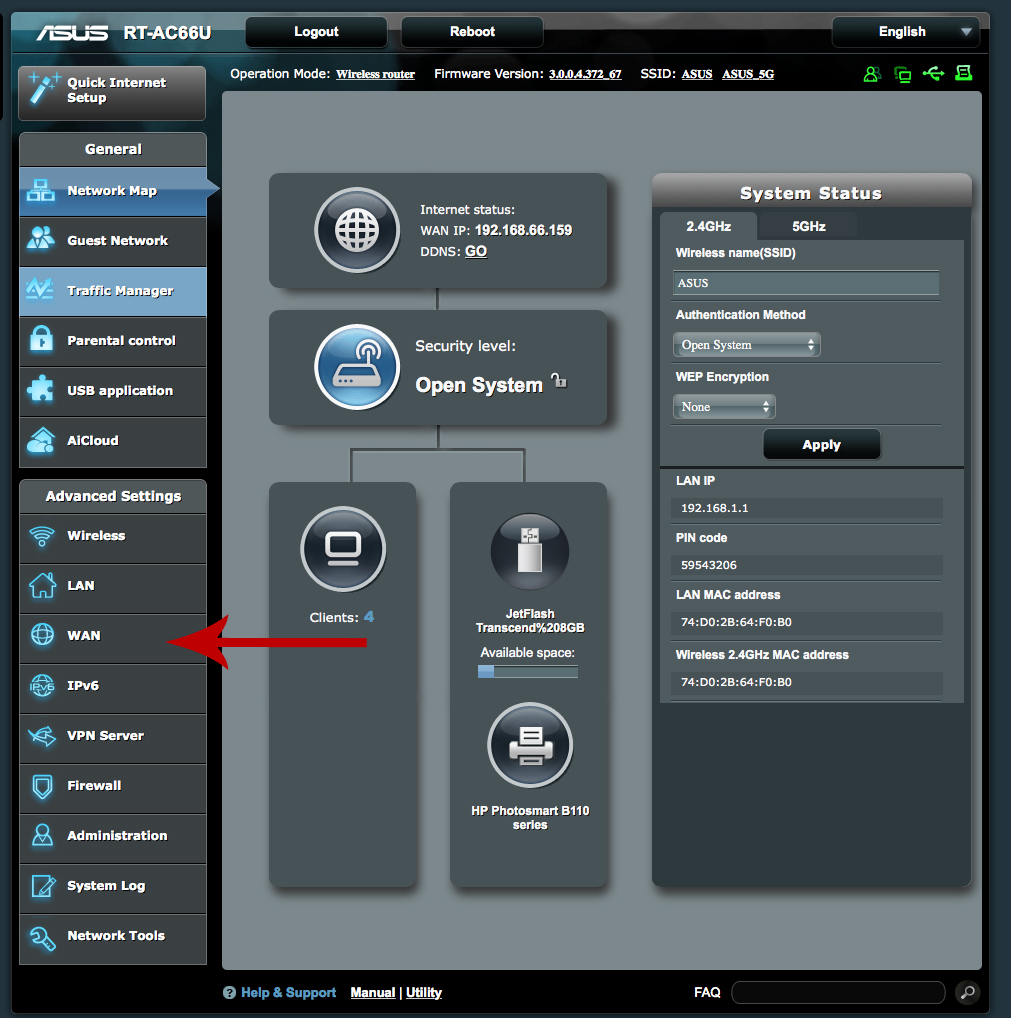
Set Up No-IP DDNS on an Asus Router | No-IP
Use your Asus router’s built-in DDNS client to update your No-IP hostname automatically. Follow our quick steps to enable Asus DDNS and keep your remote access working.
Set Up No-IP DDNS on an Asus Router | No-IP
Use your Asus router’s built-in DDNS client to update your No-IP hostname automatically. Follow our quick steps to enable Asus DDNS and keep your remote access working.


