What's new

Wi-Fi Calling not working on ASUS Router

It seems nobody asked, but did you register your emergency response address with your cellular carrier, (in the US it is called the E911 address).
 
Not sure what cheap ISP router means, but I see lately residential gateways more capable than some of the recommended models for own router and since they are totally locked down - more secure as well. Exposing hundreds of settings most consumer users don't need or understand and offering access from Internet in between is not necessarily a good thing. If the OP had the ISP gateway - a call to the ISP answers the question and saves this entire discussion. The friend with cheap ISP router and everything working on it is happy.

You take a snip of a sentence that I type, and I'm afraid the full sentence is the context I was interpreting. OP was at a friends house per original post, and was initially bothered that his new router doesn't illicit the WiFi calling symbol on his phone when he paid lots of money for it all the while this lowly spec'd ISP provided router provides WiFi calling simply by connecting...
 
You take a snip of a sentence that I type

Because I commented on the term "cheap ISP router" only, introduced by the OP in this thread.

lowly spec'd ISP provided router

Disclaimer: Our comment is limited to the quoted content only. The context of the entire post is clear to us. We do not threaten or criticize the author in any way and expect no reaction, positive or negative.

The only thing we know for sure about this ISP router is the fact it has less external antennas. I looked for pictures of Etisalat devices and none have 8x external antennas, confirmed. ASUS wins big time in this department. Otherwise Etisalat offers up to BE-class devices with home automation integration, home protection, usage stats, mesh options, secured remote access to settings via user account, etc.

🤣
 
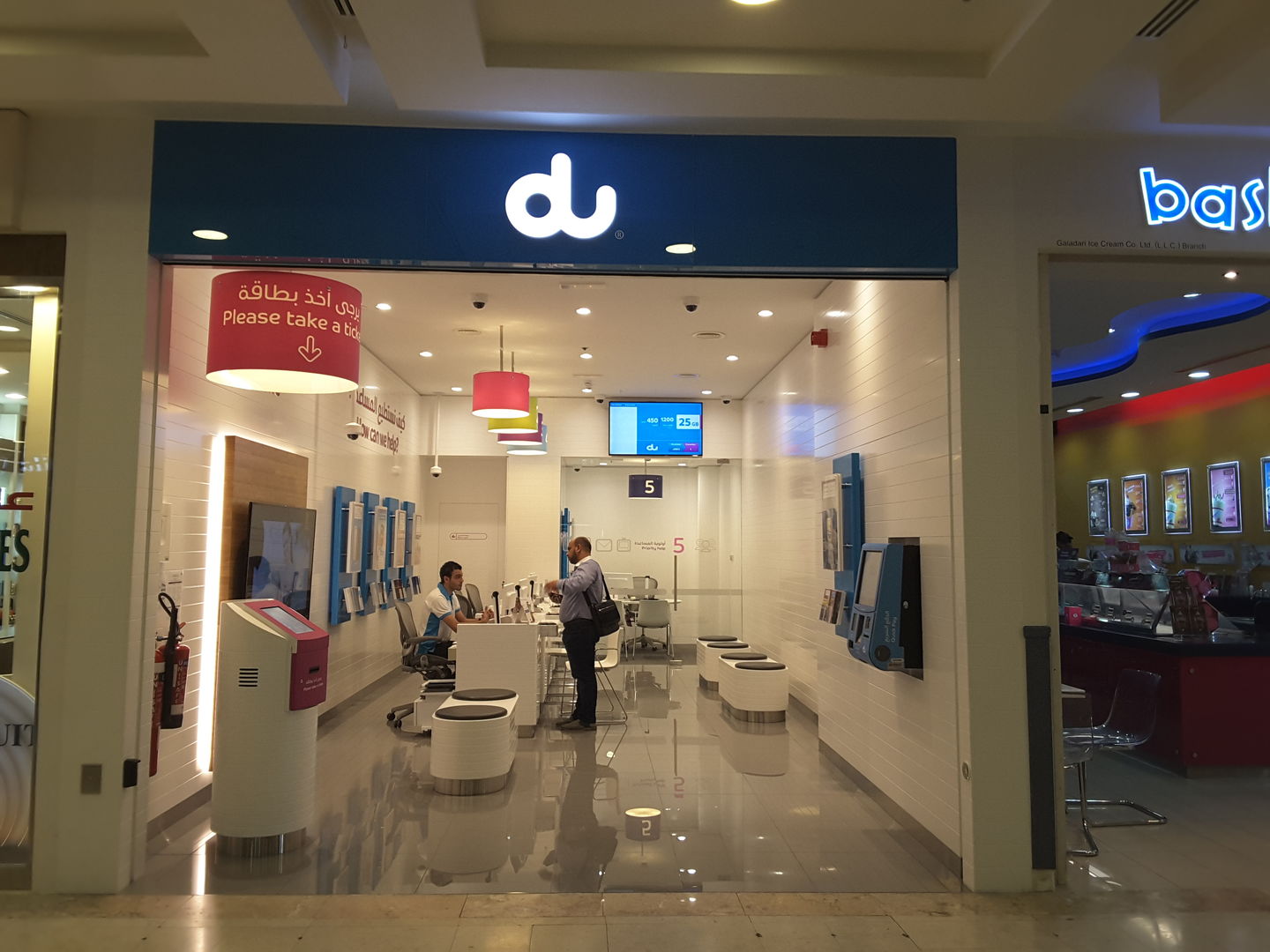
I went to the du website, or tried to, to try to make sense of this all. (Which typically I try to if the ISP is shared, and is the ISP with "the problem". Seems du sells both 5G/cellular Internet and fiber.

@Spartan Which service do you subscribe?

It loads so slowly, sigh....
 
It loads so slowly, sigh...

See this:

1769100674472.png

1769100923223.png


1769101823303.png


Last edited:
OP seemed frustrated at first (cheap ISP router of the friend), but maybe has calmed down as we're all sitting here challenged....

I think at this point - OP needs to reset his router to factory defaults, and test from there...

FWIW - WiFi calling is not going to work if the VoWiFI application cannot register with the carrier's IMS gateways - some of this might be technical, other might be policy...

Since WiFi calling is all UDP based, it does make things a challenge with collecting trace files, e.g. bits on the wire that are logged...
 
I think at this point - OP needs to reset his router to factory defaults, and test from there...

FWIW - WiFi calling is not going to work if the VoWiFI application cannot register with the carrier's IMS gateways - some of this might be technical, other might be policy...

Since WiFi calling is all UDP based, it does make things a challenge with collecting trace files, e.g. bits on the wire that are logged...
At least with AT&T it seems I have to set an E911 address in order to enable it. Wonder if the OP has to do that....
 
Do iPhones have a WiFi calling symbol? I have it turned on for Verizon, and I have it set to prefer it. I don't remember ever seeing a separate symbol / icon for it when on a call, and the impression I've been given for the years I've used it, is it's just supposed to work.
When I was using the RT-AX86U things just seemed to work, and when I switched to TP-Link, if I got any stuttering on a call, the suggestion was to disable SIP ALG in the router settings. Beyond that, I don't have much more experience in terms of fine details.
 
Seems like Google is not working on your phone either...

😀
I asked because I didn't see any new icons / symbols regarding this topic on my phone over the ones that are usually there and I'm familiar with. I'll look at the link to see if I've missed anything. Since I can't see the icons in detail without zooming in, I could have missed something. See screenshot below. I checked and wifi calling is enabled, and prefer is also enabled. However, based on the link from Apple, I don't see the other icon it says i'm supposed to see. The only Wifi icon is the one for the typical wifi connection.
Again that's why I asked.
 

Attachments

  • IMG_1209.PNG
    IMG_1209.PNG
    146.4 KB · Views: 32
Last edited:
However, based on the link from Apple, I don't see the other icon it says i'm supposed to see.

This simply means it's not working for you as well. Based on carrier signal level shown - don't worry about it.
 
@iFrogMac - When you were over at your friends, did your iPhone display "Wi-Fi" on the status bar ? Not the usual curly strength symbol for wifi, but in addition "Wi-Fi" ?
 
@iFrogMac - When you were over at your friends, did your iPhone display "Wi-Fi" on the status bar ? Not the usual curly strength symbol for wifi, but in addition "Wi-Fi" ?
I think you got me confused with someone else. I wasn't doing this from a friend's place. This was in my own apartment.
 
Here's how it shows on my Iphone. It also shows it on the lock screen.
View attachment 70076
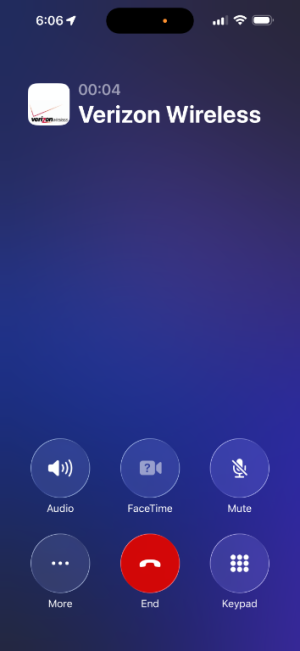
Thanks, I don't think mine is working based on your picture. Also, my cell signal is typically not bad, but it jumps and that's why I was trying to get this to work, and why I thought it was working until I read this thread. I'll consult Verizon support s well as other resources to see if I can get it to work just to help balance quality of signal. Also since 611 is internal to the Verizon network, I wonder if it's not the best test, and I need to call a number outside the network.
 
OK, guys, I fixed WiFi calling. Here is what I did. First I passed Gemini the problem, and the suggestion was to turn on Airplane mode, and then enable WiFi to force a WiFi connection as Verizon is known to prioritize cellular over WiFi for calls. So, that's what I did, and then called their test number. After doing the Airplane mode trick, I got the VZW-WiFi status as I told I would if it worked. Turning off Airplane mode kept the WiFi status as shown in the two screenshots below. So looks like I'm good to go, and if I want to use WiFi calling, I just need to force it to switch. Probably the main reason it doesn't automatically is I have good enough cell signal that it doesn't switch on it's own.
IMG_1211.PNG
IMG_1212.PNG
 
Nice! What's the router model currently in use? If non-ASUS product - test with your ASUS. At least we can confirm the router make/model matters or has nothing to do with it. You usually have the time to play.
 
Nice! What's the router model currently in use? If non-ASUS product - test with your ASUS. At least we can confirm the router make/model matters or has nothing to do with it. You usually have the time to play.
The Main router in use now is the TP-Link BE11000 Pro firmware from Nov 2025. I disabled SIP ALG in the security of the router as it's a known problem maker for WiFi calling on certain models. As far as the fix, it wasn't the router at all here, it was more about forcing Verizon to connect to WiFi vs Cell.
 
I don't know if this applies to all phones, but you should be able to set Wi-Fi calling as the preference. In my case (Pixel 9a, GrapheneOS) the setting is located under Network & Internet; Internet; Mobile Data (Verizon). Click the options cog, scroll down to Calling; Wi-Fi Calling; and set Calling Preference to "Call over Wi-Fi".
 
I don't know if this applies to all phones, but you should be able to set Wi-Fi calling as the preference. In my case (Pixel 9a, GrapheneOS) the setting is located under Network & Internet; Internet; Mobile Data (Verizon). Click the options cog, scroll down to Calling; Wi-Fi Calling; and set Calling Preference to "Call over Wi-Fi".
It is set on my iPhone as preferred I think what happened in my case after doing research last night is, Verizon prioritizes Cell service over WiFi and only connects to WiFi on low to no cell service. So I had to force my choice. I also, because I have apple devices, went in and enabled Add WiFi calling to other devices, and this ties all my Apple devices connected to my iCloud account to my main Verizon line's main number, so I can make and receive calls from my iPhone's number on any of my devices, even when the phone isn't around. They just need an internet connection. So, with the iPad, this is useful as it also has 5G Cellular, and I have unlimited data.
 

Latest threads

Support SNBForums w/ Amazon

If you'd like to support SNBForums, just use this link and buy anything on Amazon. Thanks!

Sign Up For SNBForums Daily Digest

Get an update of what's new every day delivered to your mailbox. Sign up here!
Back
Top