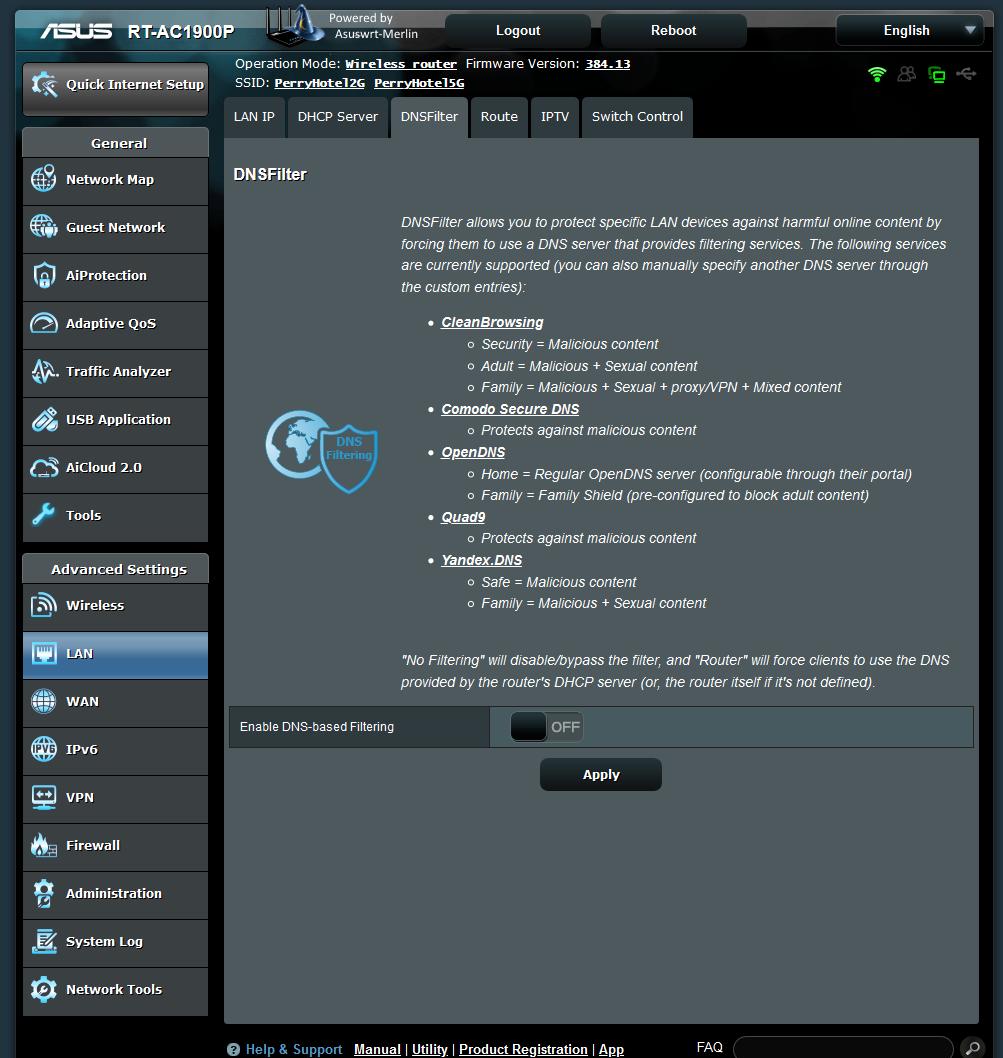
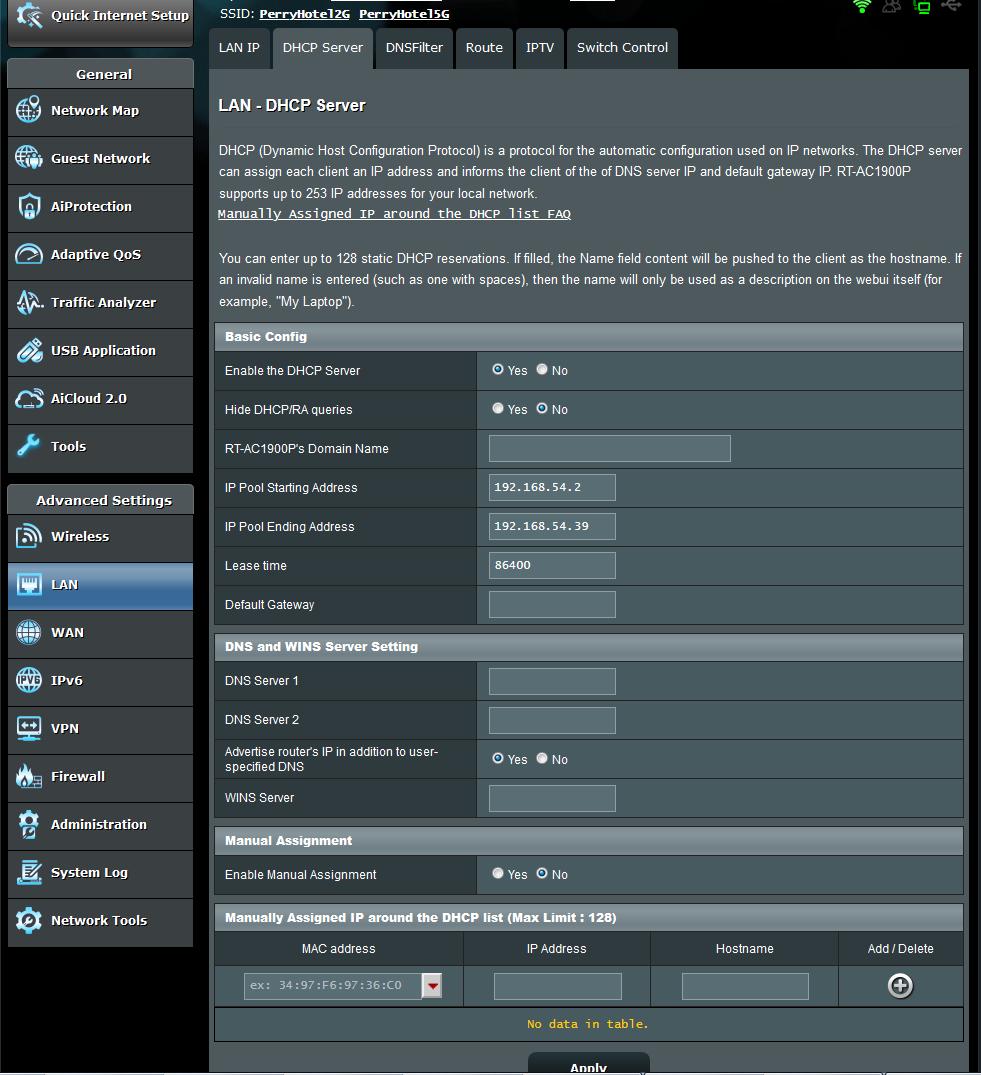
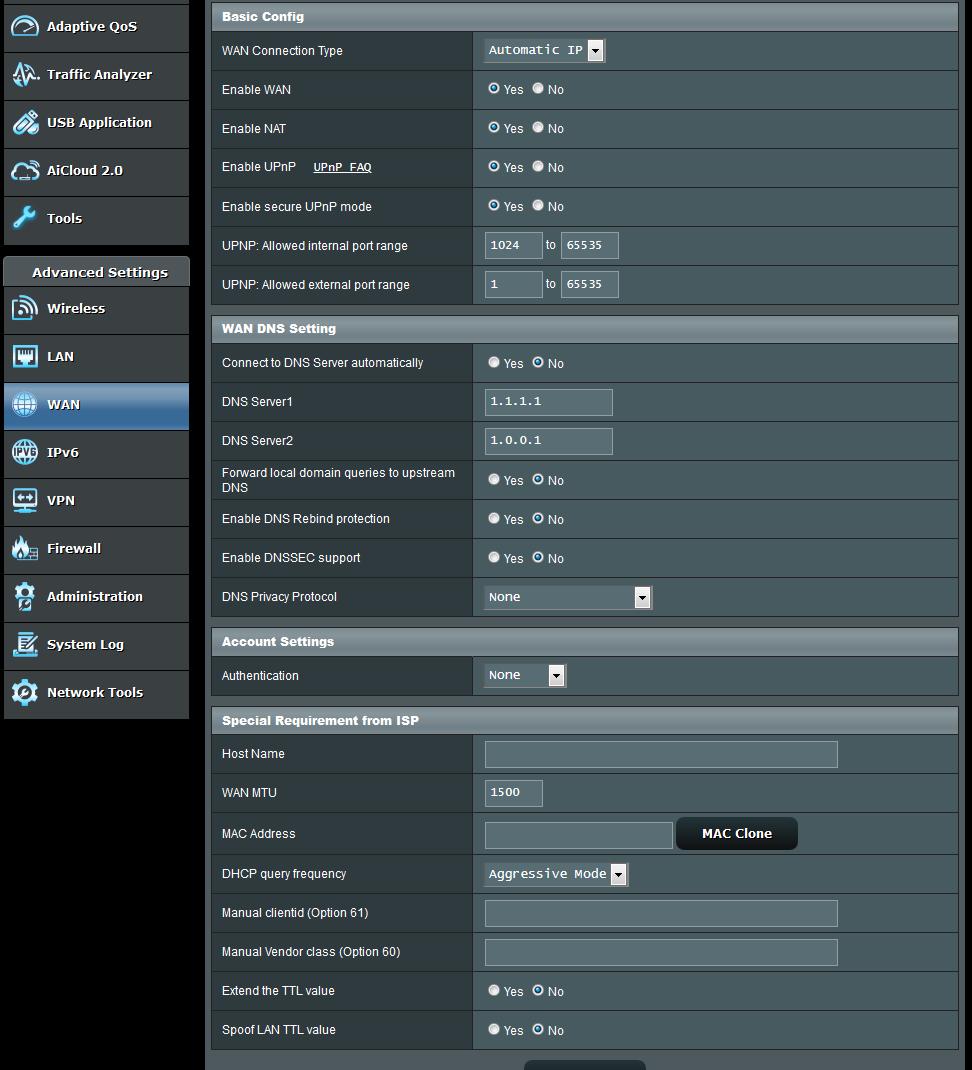
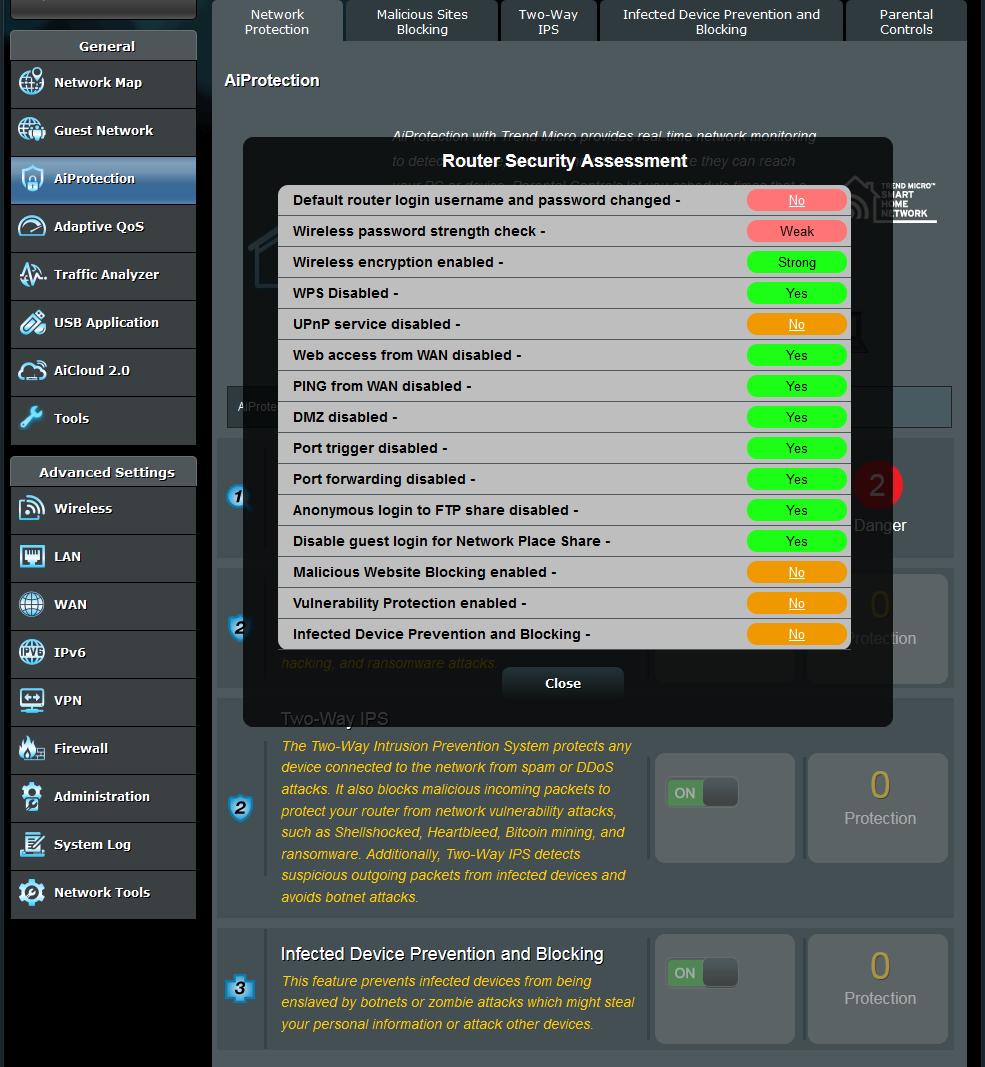
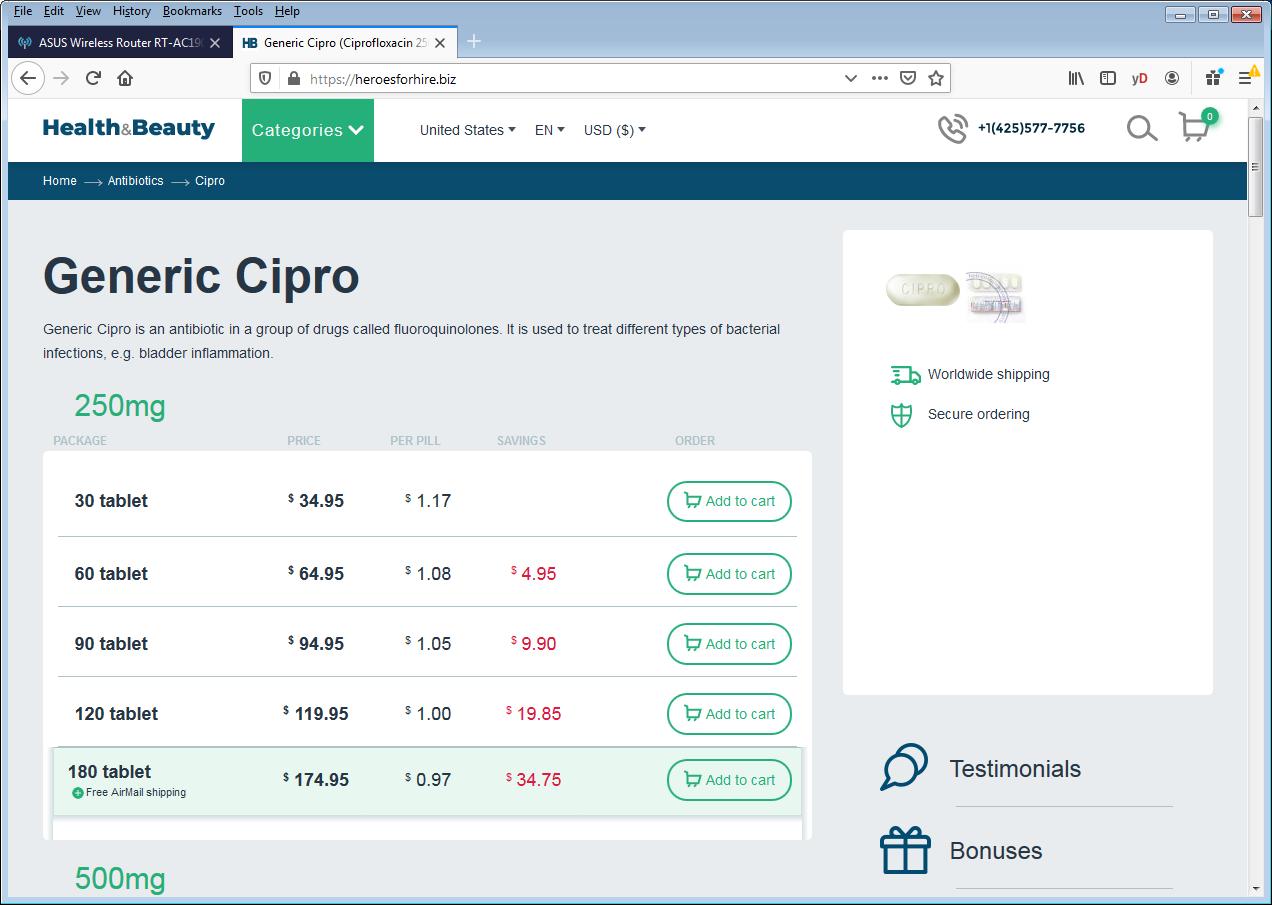
I agree that unless you can find a rational explanation outside of the router, you should consider your router compromised.
- Download a fresh version of the firmware via a reliable network (VPN or over https, etc.). Verify sha-256 hash of the .trx file.
- Unplug the router WAN cable from the modem.
- Plug a LAN cable from a safe PC/Mac with a clean virus/malware scan.
- Login to the router and factory reset / initialize.
- Reflash the firmware.
- Factory reset again.
- Change the default password.
- Setup manually (do not restore any settings backups).
- Consider installing the Skynet script by @Adamm to more aggressively block known malware IPs in or out of your network.
This is not a comprehensive step-by-step, but it looks like you've been advised in earlier threads to follow
@L&LD's minimal and manual configuration procedure before.