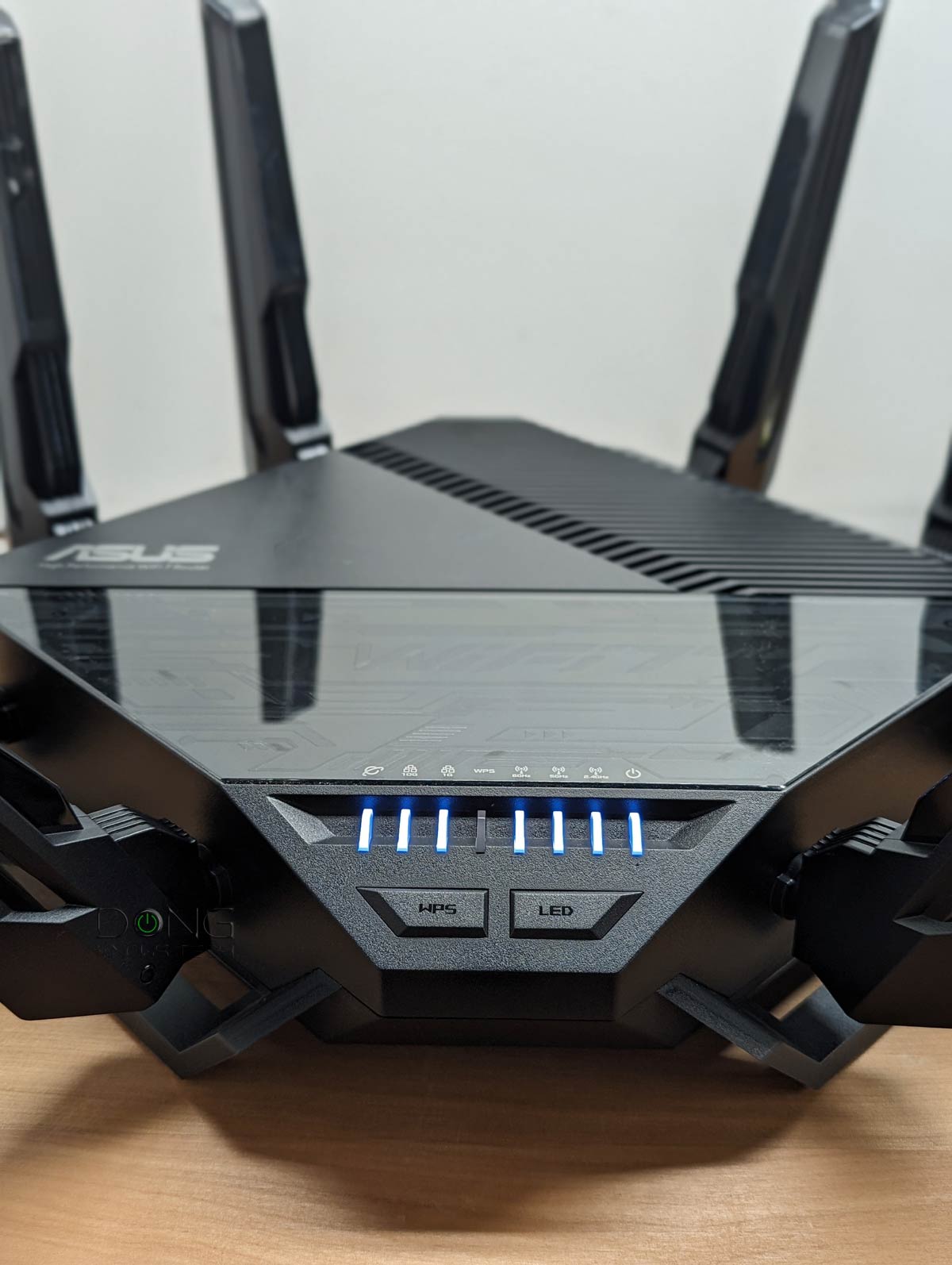
Not a user of Ubiquiti networking equipment but you'll probably have to use the RT-BE96U in Access Point mode connected to the UDM Pro's SFP+ LAN port through a Ubiquiti-compatible 10G SFP+ to 10/5/2.5Gbe RJ45 module.
Since your UDM Pro is the primary router, you'll be using your 5Gbps PPPoE with that. The AP will only handle the wireless broadcasting with limited configurability. You'll still probably be getting higher wifi/wired speeds I think due to the 10Gbe WAN/LAN ports on the RT-BE96U.
So it defeats the purpose, as i said UDM-Pro Is poor device in terms of its capabilities of PPPoE...
Since I'm heavily invested in their echo system (UDM + 2 24port Switches) i trying to figure out how I can pass the PPPoE let's say to the ASUS for example, and from there to the UDM which will pick it as a DHCP client/server . (UDM is needed to control the unifi switches)
Honestly, like I said, I haven't used any Ubiquiti hardware so that's the extent of my knowledge in this area.
You can try to configure a router (RT-BE96U) behind a router (UDM Pro) to see if that works for you. Never tried it myself so you're on your own with that.
Answer (1 of 3): It depends on what you want. If you want any computer to print on any printer no matter which router each is connected to, then you want one network. Put the second router in “Access Point” mode. If that feature isn’t available, on the second router, turn the DHCP server off and...
Model support Q: Will you support the RT-xxxxxx that was just announced? A: See detailed answer in post #3. Q: Will you support router XYZ from this non-Asus manufacturer? A: No. Asuswrt-Merlin only targets Asus-supported models, due to both technical and legal reasons. Q: I'm having...
Thanks for the heads up. I'll go try out the firmware update on my main router to see if it fixes the 5Ghz speed, range and stability issues introduced in version 3.0.0.6.102_32460 and report back.
Sadly, the latest update still cuts my 5Ghz wifi speeds in half to 800-900Mbps so back to the initial firmware I go.
Just did some research on the QCNCM865 Wifi 7 NIC and it seems to work fine on HP laptops whereas the Intel variant doesn't. Maybe I'll get one to test actual Wifi 7 speeds on mine...
Sadly, the latest update still cuts my 5Ghz wifi speeds in half to 800-900Mbps so back to the initial firmware I go.
Just did some research on the QCNCM865 Wifi 7 NIC and it seems to work fine on HP laptops whereas the Intel variant doesn't. Maybe I'll get one to test actual Wifi 7 speeds on mine…
On a single spatial stream, with a channel width of 160 MHz and 256-QAM modulation, the maximum theoretical speed is 867 Mbps; you won’t get faster than that with any other routers with WiFi or 6. The BE96U only does 20/40/80/160 MHz on the 5 GHz radio. Even my WiFi 6 devices don’t get faster than that on 5 GHz, but my WiFi 6E devices get 1400-1700 Mbps.
That ugly thing called physics with Shannon Limits starts to come into play as one ranges out away from the AP - go thru a couple of walls and 35 feet (10m), modulation schemes and spatial streams will only get you so far...
One can only stuff so many bits into a channel and expect to get those bits back out on the other side...
On a single spatial stream, with a channel width of 160 MHz and 256-QAM modulation, the maximum theoretical speed is 867 Mbps; you won’t get faster than that with any other routers with WiFi or 6. The BE96U only does 20/40/80/160 MHz on the 5 GHz radio. Even my WiFi 6 devices don’t get faster than that on 5 GHz, but my WiFi 6E devices get 1400-1700 Mbps.
Actually, if you've been reading my earlier posts, I have been getting 1800-1900 Mbps u/l and d/l wifi speeds on the 5Ghz DFS channels for my Wifi 6 clients (2 spatial streams) which can access them. And so far on my Wifi 6E clients with the 6Ghz band, speeds max out around 1300 Mbps and drop off at a shorter range. The past two firmware updates effectively cut my 5Ghz speeds in half, meaning that my connection speeds max out around 1.2 Gbps on either the main router or AiMesh node rather than 2.4Gbps on the DFS channels on the initial firmware release.
3.0.0.6.102_32872 is listed in the review, so the latest, then. Thinking about this one myself after reading Dong's review...only one wifi-7 client, though, and that's a phone *smile*.